
Technologies Used for Identifying Unknown Callers

Have you ever received a call from an unknown number and hesitated to answer it? Or you answered the call, but the person on the other end was a complete stranger. It’s not uncommon for people to receive unsolicited calls or even scam attempts these days. Fortunately, technology has come a long way in helping us identify such callers. In this blog post, we’ll explore some of the technologies used for identifying unknown callers that can help you stay safe and secure while using your phone.
Reverse Phone Lookup Services
 Reverse phone lookup services are popular online tools that allow you to search for information about a phone number. These services can help you identify the person or organization behind an unknown caller by providing details such as the owner’s name, location, and social media profiles. However, it’s important to note that not all reverse phone lookup services are identical. Some may provide inaccurate or outdated information, while others may charge hidden fees. It’s always best to do your research before using any unfamiliar service. When you plan to use this, you should first find the best site to look up phone numbers.
Voice Recognition Technology
 Voice recognition technology is another powerful tool used to identify unknown callers. This technology allows the user to analyze the voice patterns of a caller and match them with an existing database of known individuals. The process involves capturing the caller’s speech and analyzing various acoustic features such as pitch, frequency, tone, and duration. These features are then compared against a pre-existing database of voices to determine if there is a match. One significant advantage of voice recognition technology is its ability to work even when the caller tries to mask their identity by using different accents or modulating their voice. The system can still recognize unique characteristics in speaking patterns that will help identify who they really are.
Computer Vision & Machine Learning Algorithms
 Computer vision and machine learning algorithms are two technologies that have made it easier to identify unknown callers. Computer vision involves using machines to interpret images or videos, while machine learning algorithms leverage artificial intelligence (AI) to improve their accuracy over time. One way computer vision can identify unknown callers is by analyzing security camera footage. By detecting facial features like eye shape, nose size, and lip curvature, these systems can match a face with an individual in a database or social media account. This technology has been instrumental in solving crimes by identifying suspects through footage. Machine learning algorithms work by being trained on large datasets so they can recognize patterns and make predictions.
In today’s world, knowing who is calling before answering the phone is important. Fortunately, with technological advances, there are several ways to identify unknown callers. Reverse phone lookup services use databases to match a number with a name and address. Voice recognition technology can analyze audio recordings and compare them to known voices. Computer vision and machine learning algorithms can even identify callers based on their physical characteristics. While none of these methods are foolproof, they all offer valuable tools for identifying unknown callers. Whether trying to avoid spam calls or protect yourself from scams, these technologies can help you stay safe and secure.…
Read More →


 Web hosting is a service that enables organizations and individuals to make their websites accessible to users on the internet. It allows webpages to be viewed by anyone with an internet connection and provides a platform for hosting websites. Web hosting services are typically provided by companies that specialize in managing websites, known as web hosts. These companies own and maintain large-scale web servers that are connected to the internet. They provide customers with hardware, software, and bandwidth services on their servers in exchange for a fee.



 The first step to being productive as a freelancer is to build a tech-friendly workspace. This means having all of the necessary tools and equipment within reach so that you can work quickly and efficiently. For instance, if you’re going to be doing a lot of writing, have a comfortable chair and desk set up in your home office. Buy a good printer and paper so you can print out documents when needed. And, of course, make sure you have a fast and reliable computer. With the right tools, you’ll be able to work more quickly and get more done.
 You may think you must shell out the big bucks for professional or premium tech tools. However, that’s not always the case. There are actually a lot of great free resources available that can help you be more productive as a freelancer.

 Finally, you’ll want to ensure that the platform you choose offers a therapist selection process. You should be able to read bios and reviews of different therapists before making your decision. In addition, the platform should offer a way to contact the therapist directly so you can ask any questions you may have.
 The Anycubic Photon Mono S is one of the best-rated tabletop miniature printers. It has an impressive print quality and a wide range of features ideal for printing miniatures. The Photon Mono S is also easy to use, making it great for beginners. If you are looking for a top-rated tabletop miniature printer, the Anycubic Photon Mono S is a great option. The Anycubic Photon Mono S is great for beginners and experienced users alike. It has an impressive print quality and a wide range of features ideal for printing miniatures.
 The Phrozen Sonic Mini is one of the newest printers on the market and it’s already making waves in the tabletop miniature world. This printer has a resolution of 20 microns, which is incredible for miniatures. It also has a build volume of 90x60x200 mm so that you can print large miniatures or multiple miniatures at once. The Sonic Mini also has a very fast print speed of 300 mm/s. The Phrozen Sonic Mini is one of the most popular printers among tabletop miniature gamers and painters. It’s easy to see why with its unique features and specs.
 Adobe Scan is an app that allows you to scan and save documents, receipts, and other paper items in digital form. With the Adobe Scan app installation, all you have to do is take a picture with your device’s camera or import an image from your computer. The first step is downloading MemuPlayer as an emulator to run the Adobe Scan app.
 The manner in which you can use MS Paint is not limited to just creating drawings but editing photos or pictures. This program can come in handy to those writers who wish to create illustrations on pictures they will post in their articles. You can take screenshots of any picture you want to use, modify it and edit it using the MS Paint program before using the picture in your article.
 This is expressed because the device does not cool or heats the air to the set temperature, switching off prematurely. This suggests that:
 Most organizations and individuals are now using android app development because it is easy to integrate. If you need a complex technical integration and customization of a web application or a mobile application, consider using the android app development. As mentioned, most people who want to market their products consider using this platform.
 If your computer is old, it makes sense to upgrade your graphics card. It is the only way to get better performance from your computer when playing video games. If you have been using your computer for more than five years, the graphics are also outdated.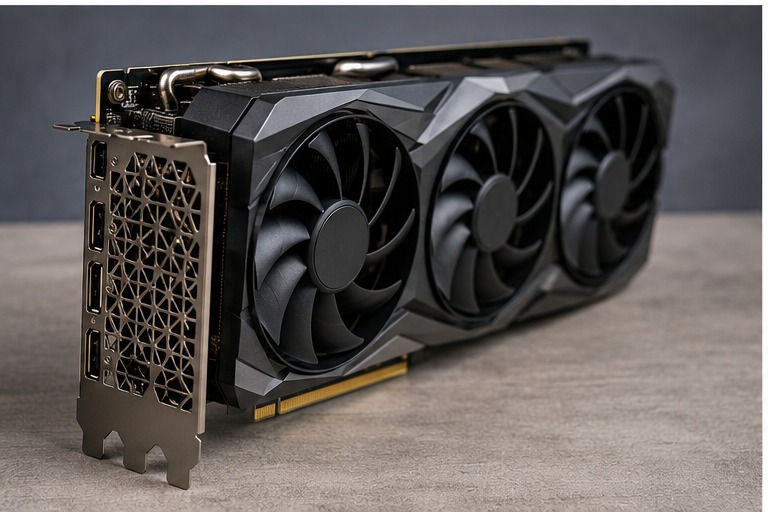

 The IP rating of the drone reveals how waterproof the drone is. Ideally, this standard is used when it comes to providing detailed information on the waterproofness of a product. For instance, it classifies the protection of intrusions into device enclosures. It is advisable to get a minimum IP rating of 67 for a waterproof drone.

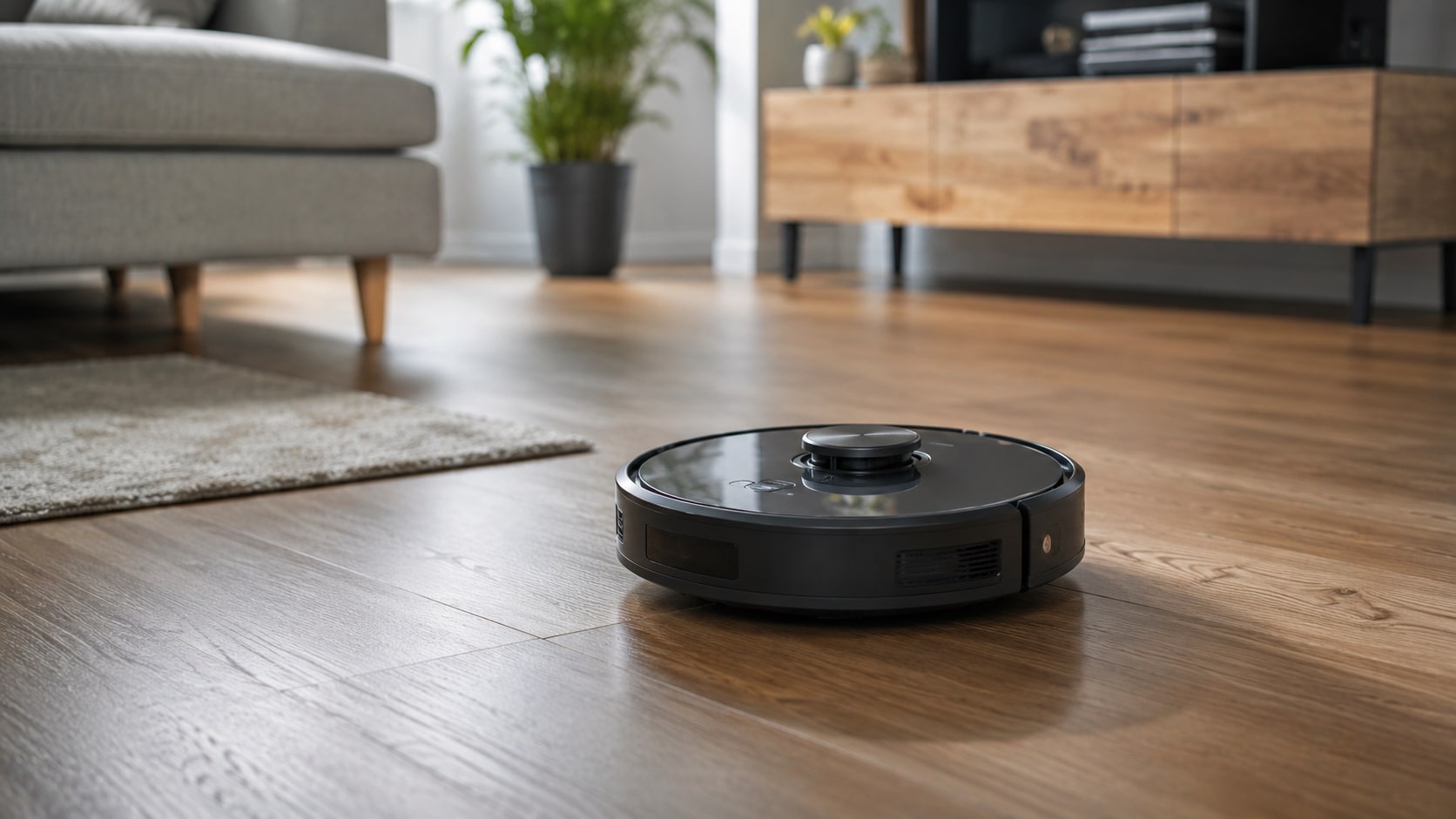
 In the past, kick scooters were only designed for children. Things have since changed, and adults too have many models to choose from. Scooting is a great way to have a good time with your friends. On the other hand, having these scooters provides an easy and convenient way for adults to get around without wasting much time on the streets.

 The first step is to monitor your campaigns. The mistake that many people do is to set and forget. Constant monitoring is essential because trends keep changing, and you can only know what is happening when you keep checking the performance.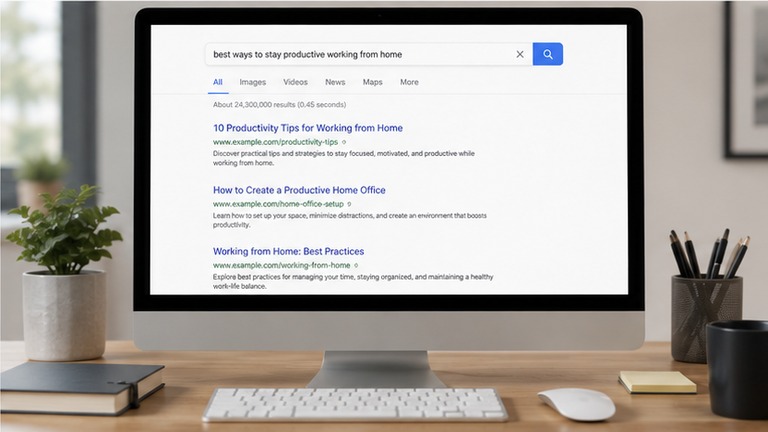

 The best thing with private browsing is the fact that it does not leave any trace. You do not have to worry about leaving behind traces of what you are browsing on your computer. With incognito browsing, no history is left on your computer.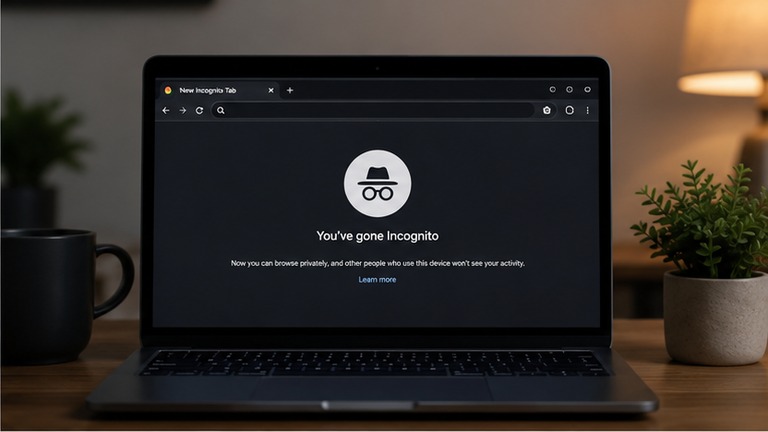


 that the controller only presses the remote button, and the drone returns to the home point. When contact between the remote and the Drone system is lost, the drone can automatically return to the home point. Anyone can wow this technology because it is making things better and more fathom. Though this technology is not yet revamped to the maximum, these are the updates in drone technology we, in the future, expect.
 weight of the drone and uses up a lot of power. The drones will use a computer vision software that will allow you to stream videos back to object recognition server. It will enable the drones to analyze terrains and act according to specific sets of predefined diktat. Something that will provide a clear picture.…
 New clarity/resolution technologies have been incorporated that have a substantial impact on human life. For instance, you don’t have to go to the studio and take a photo, your phone can automatically make a beautiful photo of you and store it for future reference. Most people love these phone cameras because they capture quality images. The fantastic thing about these mobile cameras is that you can meddle with your appearance and look more comely.